How to correct erroneous spam decisions

Views: 1

View statistics:

Past 24 Hours:
0
Past 7 Days:
0
Past 30 Days:
0
All Time:
1
Comments: 0

No one has left comments on this guide. Will you be first?

Go to guide comments
Completed: 0

No one has marked this guide "completed." Will you be the first?

Favorites: 0

No one has favorited (and subscribed to) this guide. Will you be the first?

Time Required: No estimate
Difficulty: Moderate
How to correct erroneous spam decisions

Introduction

Go to step 1 ↓

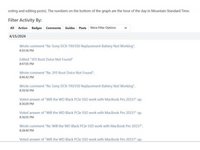
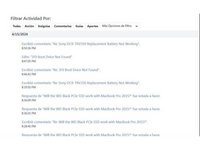
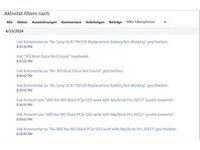
This is a "quick and dirty" guide about how to reversing a erroneously marked as Spam answer. This will also reverse the negative rep points that comes with a Spam marked answer.

Here is a caveat, it can also be used on questions and even comments.

If the same comment was deleted as spam multiple times. Properly delete those comments after they have been converted from spam to non-spam (ham)

This will only work for accounts with access to ifixit.com/Manage/. If you are not an admin or moderator at iFixit, you probably won't have access.

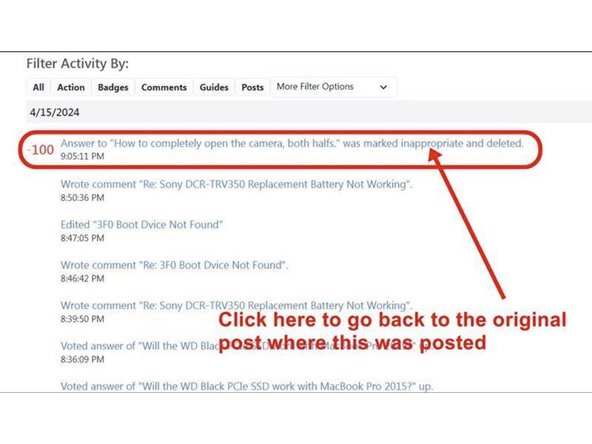
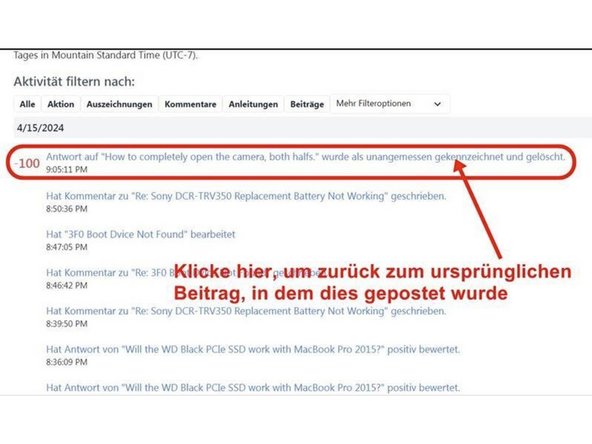
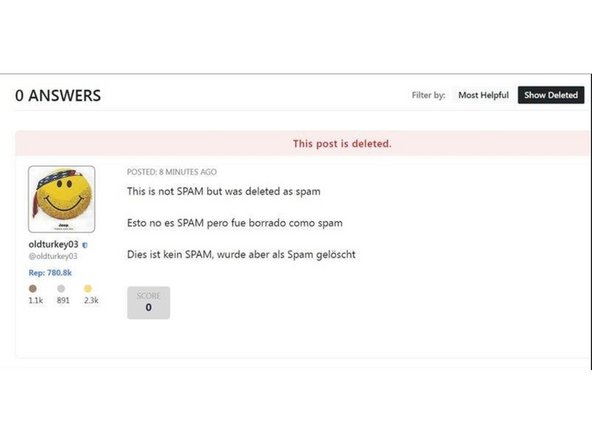
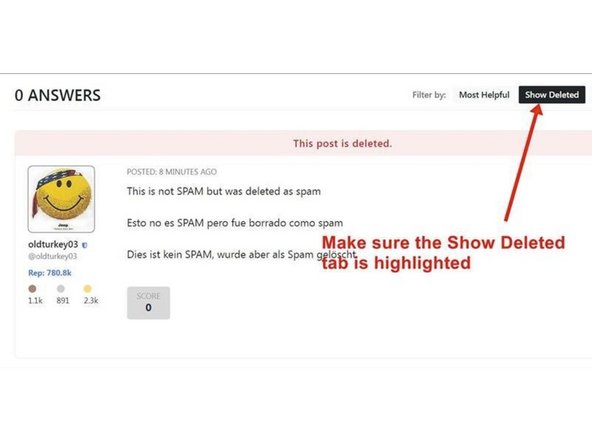
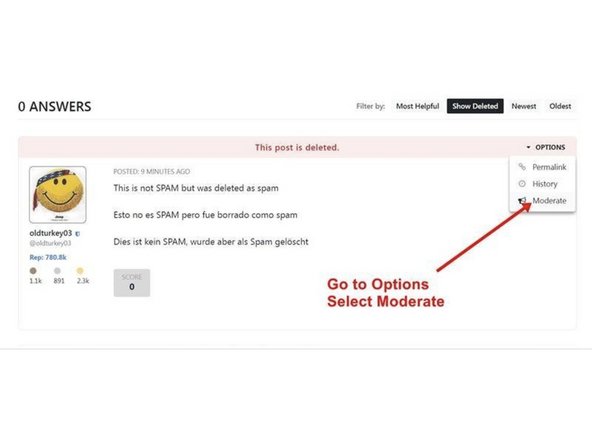
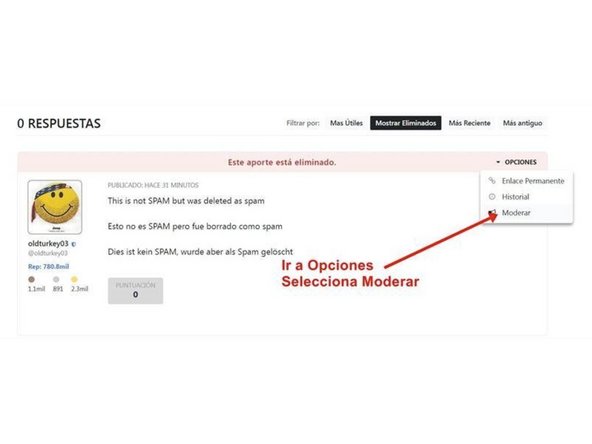
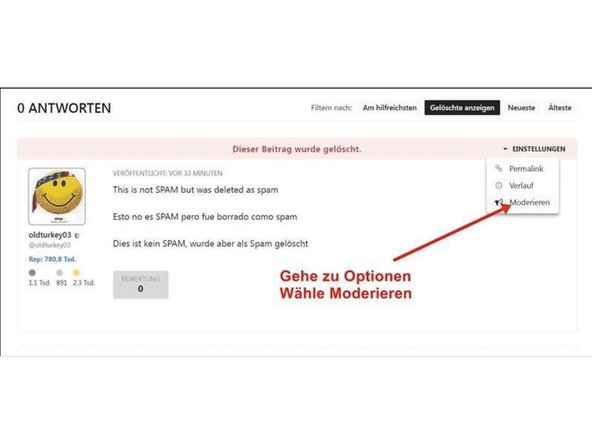
    1. How to correct erroneous spam decisions, Correcting Erroneous Spam Decisions: step 1, image 1 of 3 How to correct erroneous spam decisions, Correcting Erroneous Spam Decisions: step 1, image 2 of 3 How to correct erroneous spam decisions, Correcting Erroneous Spam Decisions: step 1, image 3 of 3
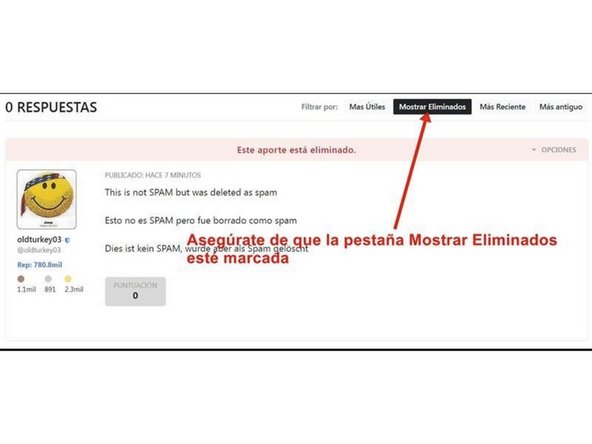
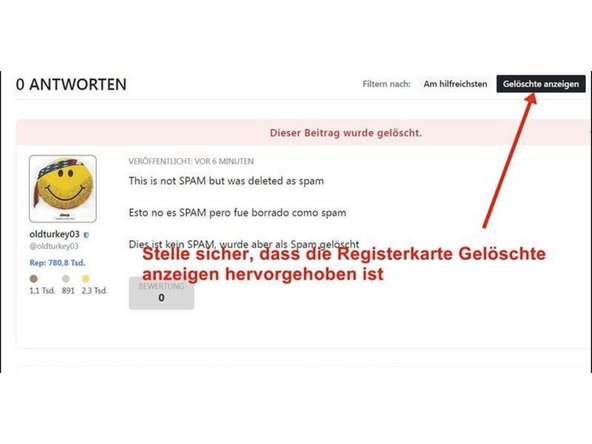
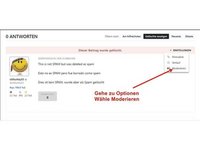
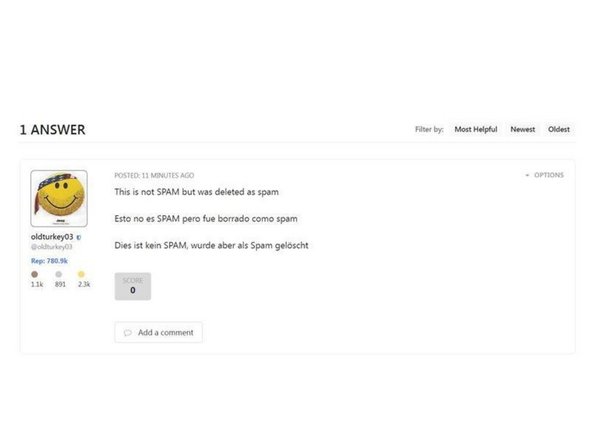
      • Here is the answer that was erroneously marked as spam

      • It now shows negative Rep Points

      Add Comment

    2. How to correct erroneous spam decisions: step 2, image 1 of 3 How to correct erroneous spam decisions: step 2, image 2 of 3 How to correct erroneous spam decisions: step 2, image 3 of 3
      • Last image shows the delete question again.

      Add Comment

    3. How to correct erroneous spam decisions: step 3, image 1 of 3 How to correct erroneous spam decisions: step 3, image 2 of 3 How to correct erroneous spam decisions: step 3, image 3 of 3
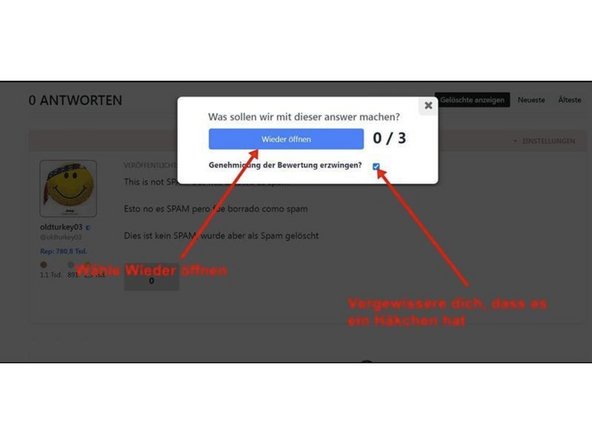
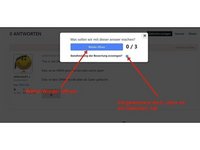
      • Follow the directions on the image

      Add Comment

    4. How to correct erroneous spam decisions: step 4, image 1 of 3 How to correct erroneous spam decisions: step 4, image 2 of 3 How to correct erroneous spam decisions: step 4, image 3 of 3
      • Follow the directions on the image

      Add Comment

    5. How to correct erroneous spam decisions: step 5, image 1 of 3 How to correct erroneous spam decisions: step 5, image 2 of 3 How to correct erroneous spam decisions: step 5, image 3 of 3
      • Follow the directions on the image

      Add Comment

    6. How to correct erroneous spam decisions: step 6, image 1 of 1
      • Here is the restored answer.

      Add Comment

    7. How to correct erroneous spam decisions: step 7, image 1 of 3 How to correct erroneous spam decisions: step 7, image 2 of 3 How to correct erroneous spam decisions: step 7, image 3 of 3
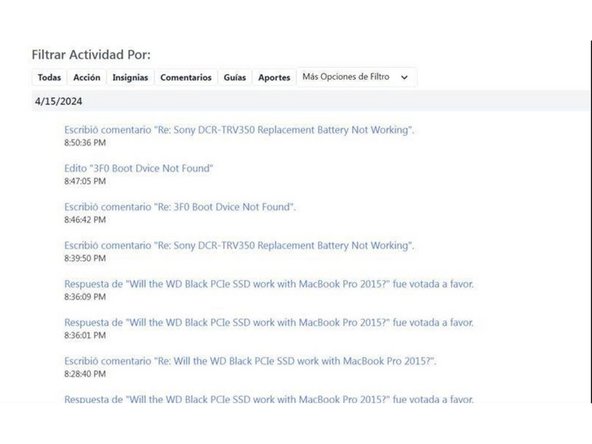
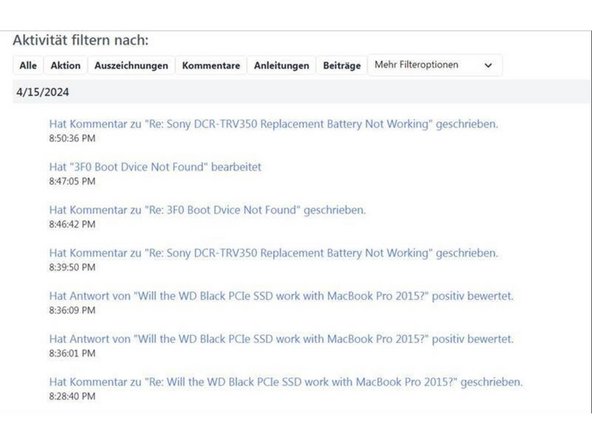
      • Here is the restored rep count

      Add Comment

Conclusion

No reassembly required. This will correct an erroneously marked as spam question.

Here is a caveat, it can also be used on questions and even comments.

If the same comment was deleted as spam multiple times. Properly delete those comments after they have been converted from spam to non-spam (ham)

Cancel: I did not complete this guide.

oldturkey03

Member since: 11/07/23

1 Guide authored

0 Guide Comments

Add Comment