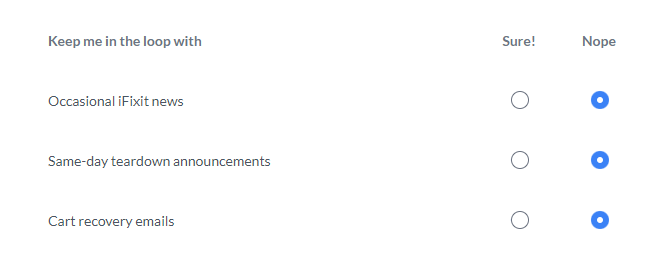
How do I unsubscribe?
Sometimes, emails can pile up quickly in your inbox. We make it easy and convenient to unsubscribe from emails.
Unsubscribe from Newsletters/News
If you are looking to unsubscribe from an email, you can do this in your iFixit account profile.
1. While logged in, click your profile photo in the upper-right hand corner of ifixit.com:
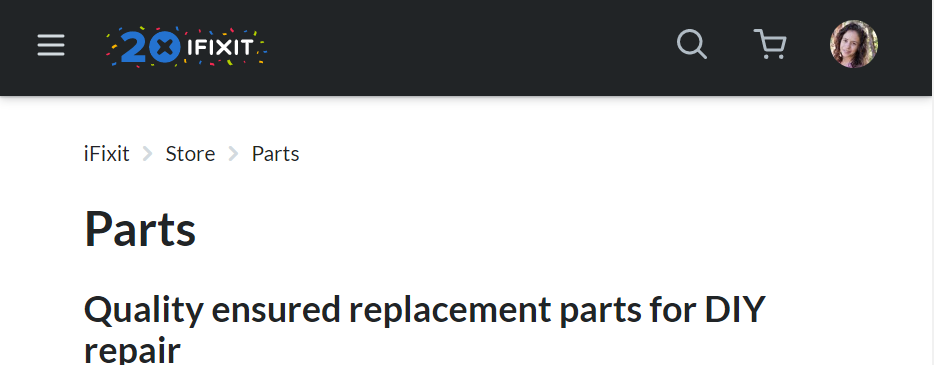
- This will open a drop-down menu like shown below.
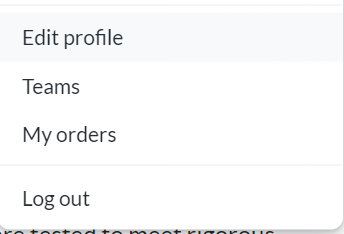
3. Once you have selected 'Edit Profile', you will click the 'Edit' button which has appeared beneath your profile photo:

4. Then, click on 'Preferences':

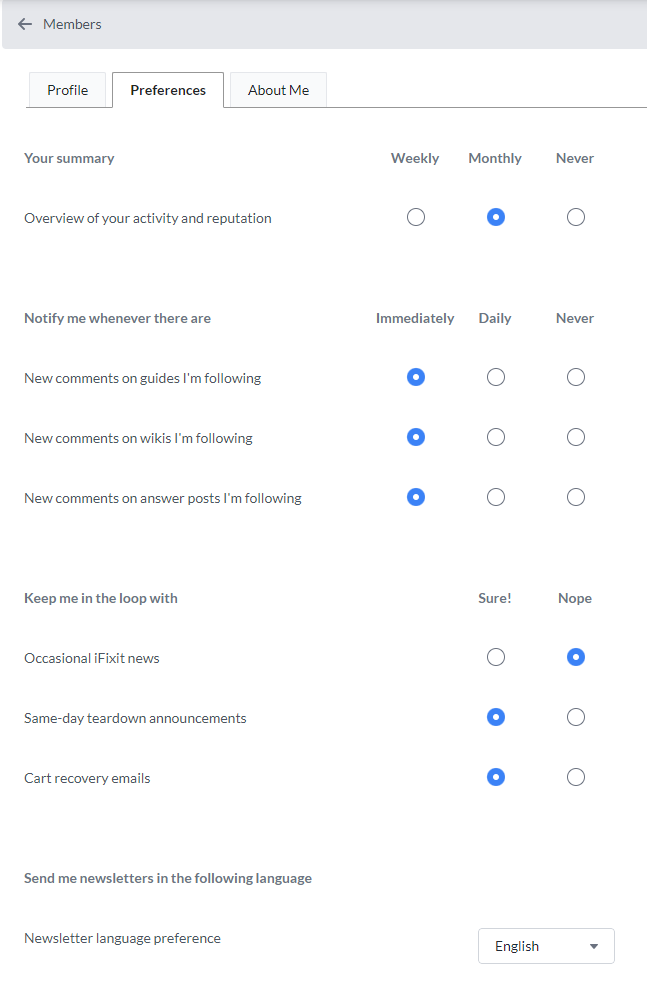
6. You can select the 'Nope' option for any notification related to 'Occasional iFixit news' and 'Same-day teardown announcements' and any emails related to newsletters or teardowns will cease.